



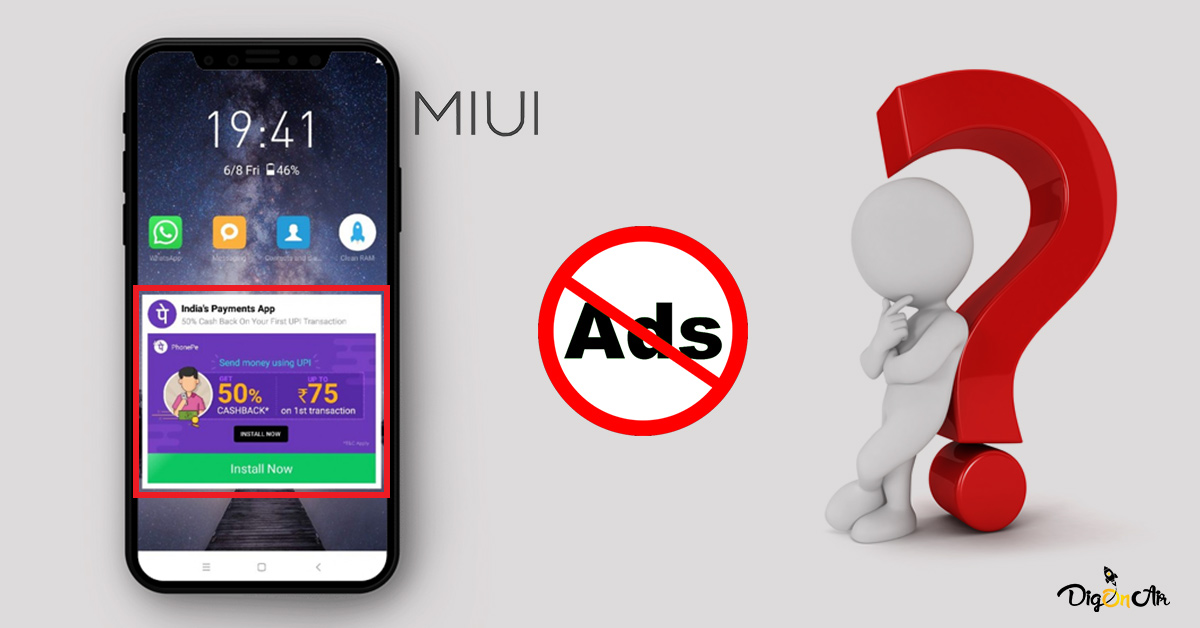
നിങ്ങളുടെ Redmi or Xiaomi ഫോണുകളിൽ പൊതുവെ കണ്ടു വരുന്ന ഒരു കാര്യമാണ് Ads അഥവാ Advertisements.
അത് പൂർണമായി ഒഴിവാക്കാൻ ഉള്ള ചില Tips And Steps ആണ്.(No root needed,No data loss).
നിങ്ങൾ പുതിയതായി ഒരു Redmi ഫോൺ വാങ്ങുന്ന ആൾ ആണെങ്കിൽ ,അതിലെ First Boot അപ്പ് ടൈമിലെ Set Up വരുന്ന Additional settings ഓപ്ഷൻസിൽ Location മാത്രം ആക്സസ്സ് കൊടുത്തിട്ട് ബാക്കി എല്ലാം disable ചെയ്യണം.
ഇനിം കാര്യത്തിലേക്കു കടക്കാം…
1.Go to Settings > Additional Settings > Authorisation and revocation > Disable MSA.
ആദ്യം Revoke ആവില്ല റിപീറ്റ് ചെയ്തു നോക്കണം
ചിലർക്കു എത്ര നോക്കിയാലും Revoke ആവില്ല,
അത് സാരമില്ല.(ഇതു ചെയുമ്പോൾ Mobile Data On ആയിരിക്കണം)
2.Go to Settings > AppLock > AppLock Settings > Disable Receive Recommendations.
3.Go to Mi File Manager > Top Right side കോർണറിൽ മൂന്ന് ഡോട്സ് കാണും അവിടെ പ്രെസ്സ് ചെയുക > About > Disable Recommendations.
4.Go to Settings > സെർച്ച് ഓപ്ഷൻ എടുത്ത് Ad Service എന്ന് സെർച്ച് ചെയുക > Disable Personalised Ad recommendations.
5.Go to Mi Security App > Settings > Disable Receive Recommendations.
ഇവിടെ തന്നെ Cleaner എന്ന ഒരു ഓപ്ഷൻ ഒണ്ട് Click on it > Disable Receive Recommendations.
ഇവിടെ തന്നെ Boost Speed ഓപ്ഷൻ ഒണ്ട് Click on it > Disable Receive Recommendations.
6.Go to Mi Browser > Settings > Privacy and Security > Disable Recommend for you.
റീഫർബിഷ് ചെയ്ത ഐഫോണും പുതിയ ഐഫോണും എങ്ങിനെ മനസ്സിലാക്കാം..
7.Go to Mi Tools Folder > Downloads > Right Top സൈഡിൽ മൂന്ന് ഡോട്സ് ഒണ്ട് Click on it > Settings > Disable Show Reccomended Content
8.Go to Mi Music > Settings > Advanced Settings > Disable Receive Recommendations.
9.Go to Mi Video > Account > Settings > Disable Online Recommendations.
10.Go to Mi Themes > Account > Settings > Disable Recommendations.
11.Go to Play Store > ഏതെങ്കിലും ഒരു ആപ്പ് ഡൌൺലോഡ് ചെയുക > അത് ഇൻസ്റ്റാൾ ആവുന്ന ടൈമിൽ App Scanner ഓപ്പൺ ആവും > Top Right side കോർണറിൽ Settings icon കാണും അവിടെ പ്രെസ്സ് ചെയുക > Disable Receive Recommendations.
12.Go to Mi Security App > Manage Apps > Top Right side കോർണറിൽ മൂന്ന് ഡോട്സ് കാണും അവിടെ പ്രെസ്സ് ചെയുക > Settings > Disable Recommendations.
You Guys can try this.
സംശയം ഉണ്ടെങ്കിൽ കമന്റ് ബോക്സിൽ ചോദിക്കാം.
കടപ്പാട് : ആൻഡ്രോയിഡ് കമ്മ്യൂണിറ്റി


